To get your monthly portfolio statements, follow these steps:
Step 1:
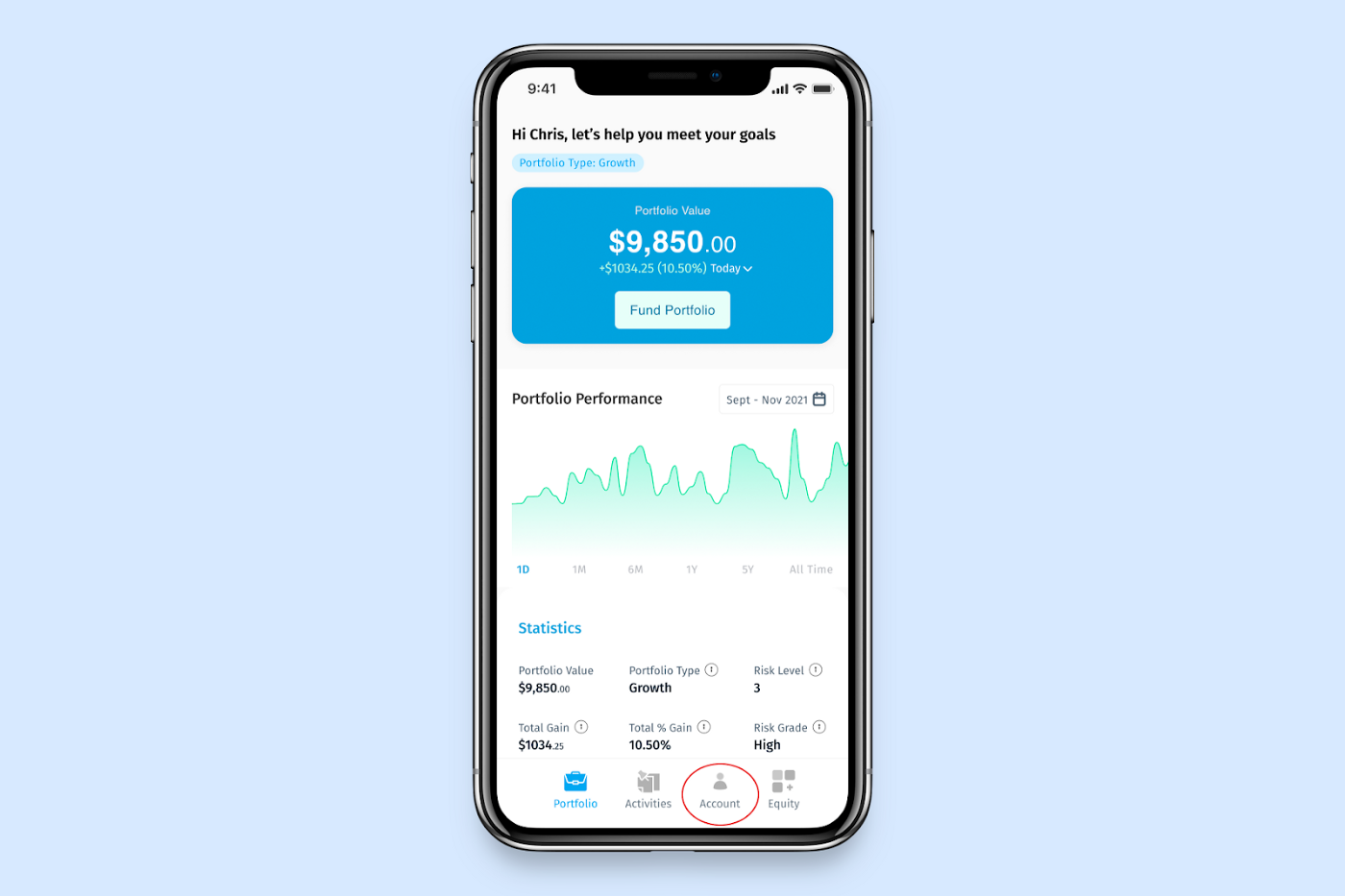
Click Account at the bottom of your screen, then proceed to click Statement on the account page
Step 2:
Click Statement on the page and proceed to download your statement for the month by clicking the download icon right beside the month you want to download.
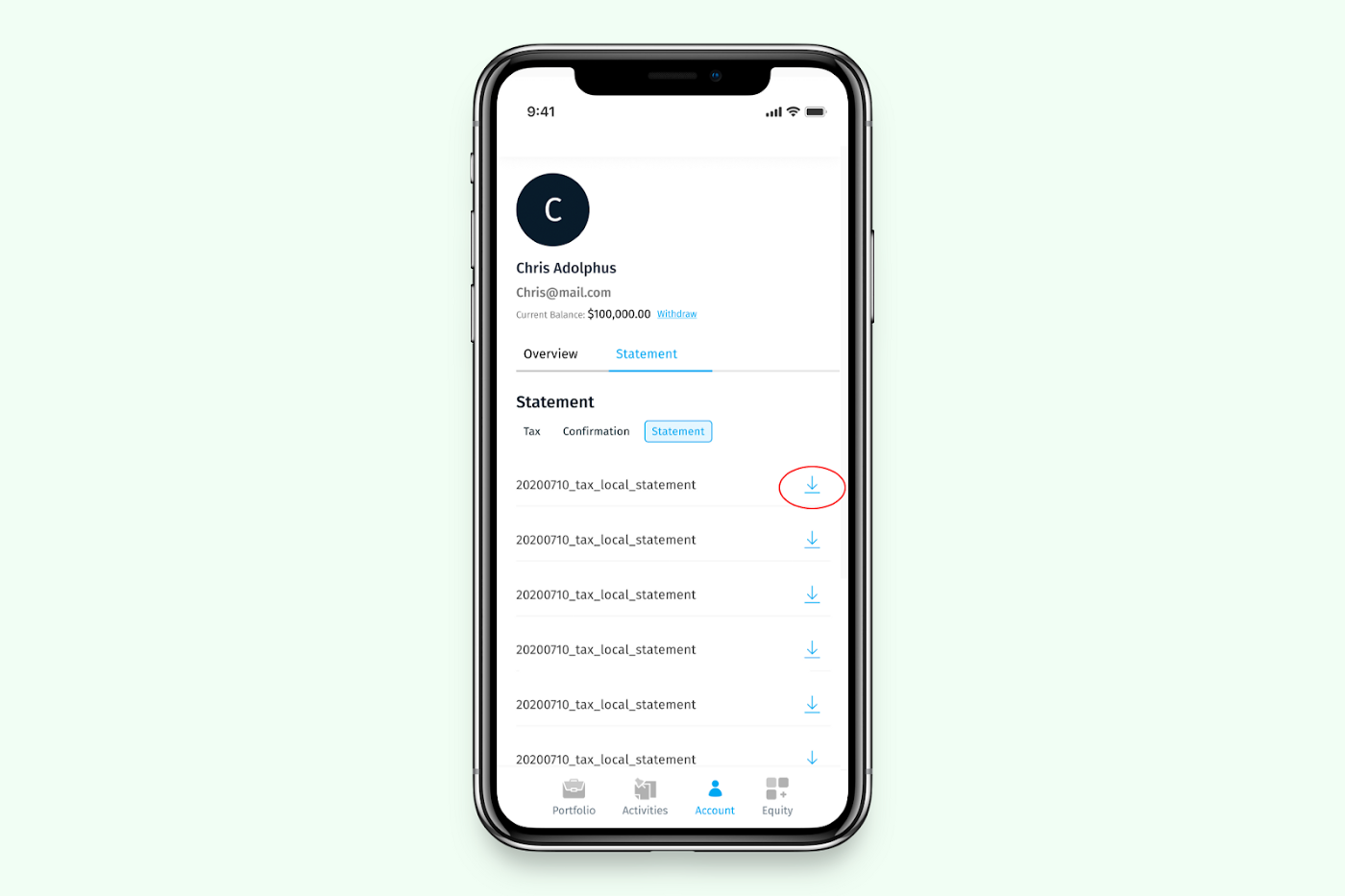
Your monthly report will be downloaded onto your device.
Was this article helpful?
That’s Great!
Thank you for your feedback
Sorry! We couldn't be helpful
Thank you for your feedback
Feedback sent
We appreciate your effort and will try to fix the article