TABLE OF CONTENTS
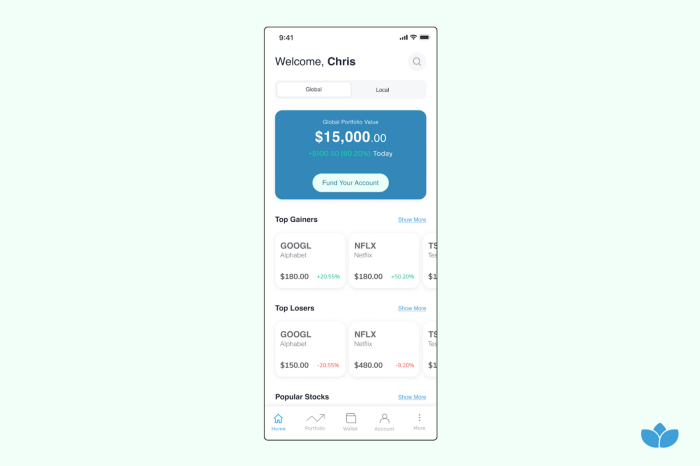
- Click on the search icon at the top right-hand corner of the home page.
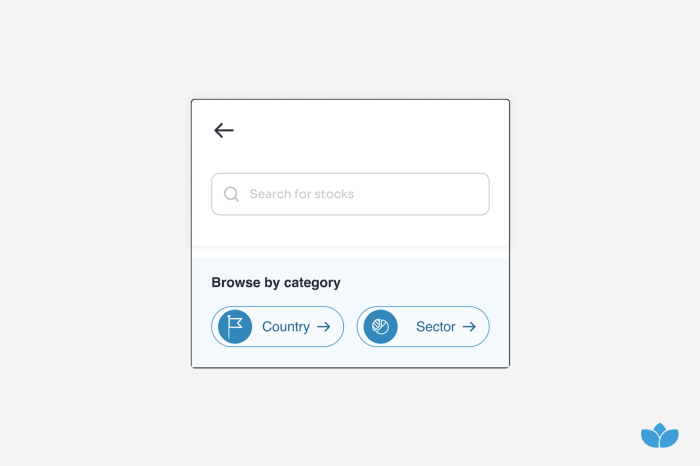
- Enter the instrument name or Ticker in the search bar.
- You can also search by sector or country.
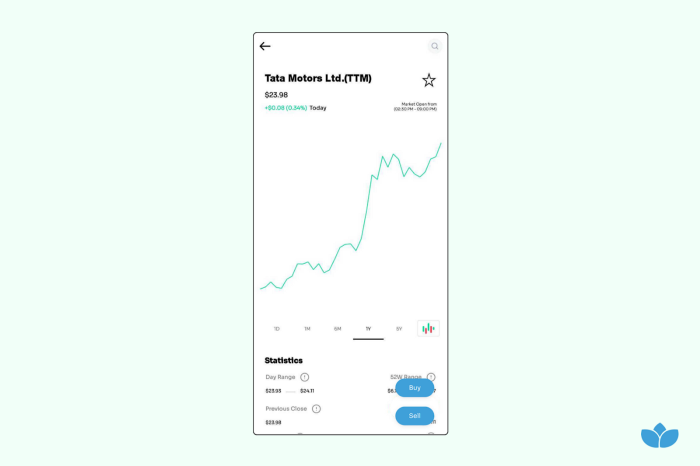
When you find the stock you intend to trade, click on the stock ticker to navigate to the single stock page. On this page, you will find information that includes:
- Line Graphs showing the instrument’s performance over different periods (1d, 1m, 1yr, 5yr)
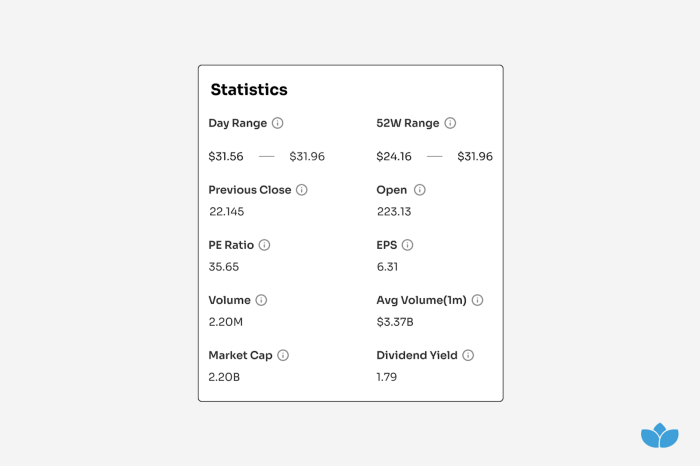
- Stock Information: including day range, PE ratio, earnings per share, Volume traded, Market cap, and Dividend yield.
- Company Information: A summary of the company.
Follow the steps below to complete your buy order:
Buying stocks:
- Select the stock you are interested in buying.
- Select the order type (Market, Limit, or Stop).
(Market order, limit order, and Stop Order)
Note: If you don’t own the stock only the buy button will be visible. If you own the stock, both buy and sell buttons will be visible.
Buying a Market Order
- Select quantity (fractional shares available) or estimated cost.
- Place order.
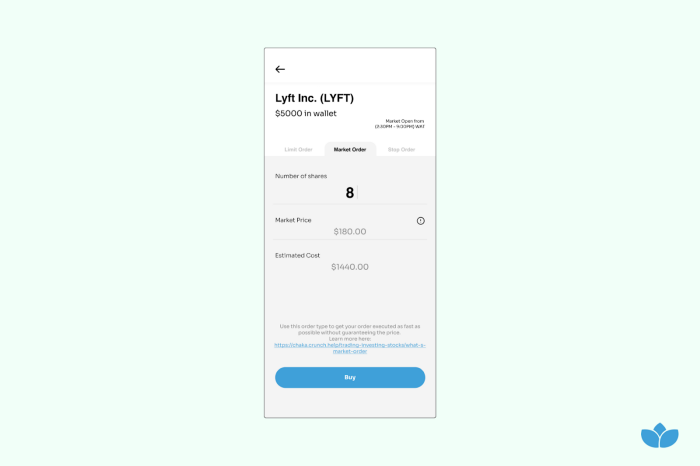
The order will be executed as quickly as possible, at the market price at the time of execution (this may be different from the market price at the time of placement, especially for a highly volatile stock). If the price increases before execution, the quantity bought will be reduced to ensure the total cost remains unchanged. e.g if you placed an order for 10 shares at $10 each (estimated cost $100), if the market price increases to $12.5 before execution, the quantity will reduce to 8 to that total estimated cost is still $100. Similarly, if the price reduces before execution, the quantity bought will be increased to ensure the total remains the same.
Note: Always check order execution email for final execution details.
Buying a Limit Order
- Select quantity (No Fractional Shares available)
- Select Limit Price
- Place order
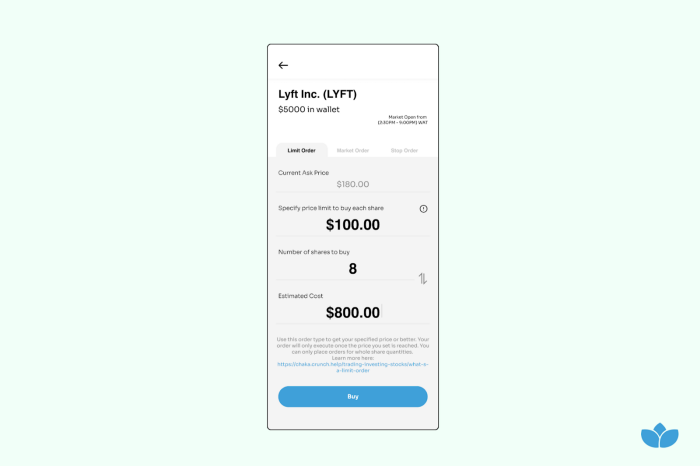
Limit Buy order indicates the maximum amount a trader wants to buy a stock for. As such the Limit Price should be below the market price otherwise the order will execute as a market order.
Note: It is possible to receive a price better than the price requested.
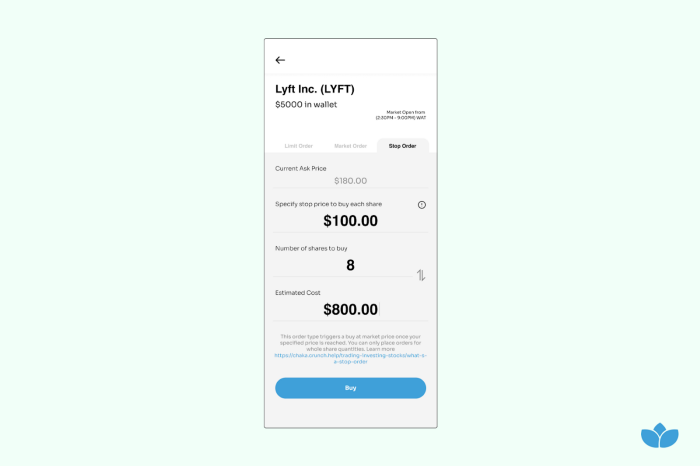
Buying a Stop Order
- Select quantity (No Fractional Shares available)
- Select Stop Price
- Place order
A Buy-Stop order creates a market order once a condition is reached. The stop price is usually above the Market Price.
Note:
- The US stock market opens from Monday through Friday from 9:30 a.m. to 4 p.m. EST (2:30 p.m. to 9:00 p.m. WAT).
- The Nigerian stock market opens from Monday through Friday from 10:00am to 2:20pm WAT.
- Trades can be placed outside the market hours but trades cannot be executed outside market hours.
Congratulations!
You’re a shareholder.
You can proceed to your portfolio page to view purchased stocks.
Download the Chaka app on Google Playstore or App Store to start trading over 4,000+ assets on the stock market.
Was this article helpful?
That’s Great!
Thank you for your feedback
Sorry! We couldn't be helpful
Thank you for your feedback
Feedback sent
We appreciate your effort and will try to fix the article